
If you spend more than six to eight hours a day moving between spreadsheets, emails, design files, and Zoom calls, the afternoon slump may arrive in your eyes first. Dryness, soreness, blurred vision, or temporary double vision can make even a simple task feel harder.
You want a pair of eye protection glasses for computer users, but thousands of similar-looking options make it difficult to know what is actually worth buying.
This is not a long science lesson. It is a practical shopping guide to choosing computer glasses with clear lenses, a comfortable frame, and the right fit for your working day.
This article is not a substitute for a professional diagnosis.
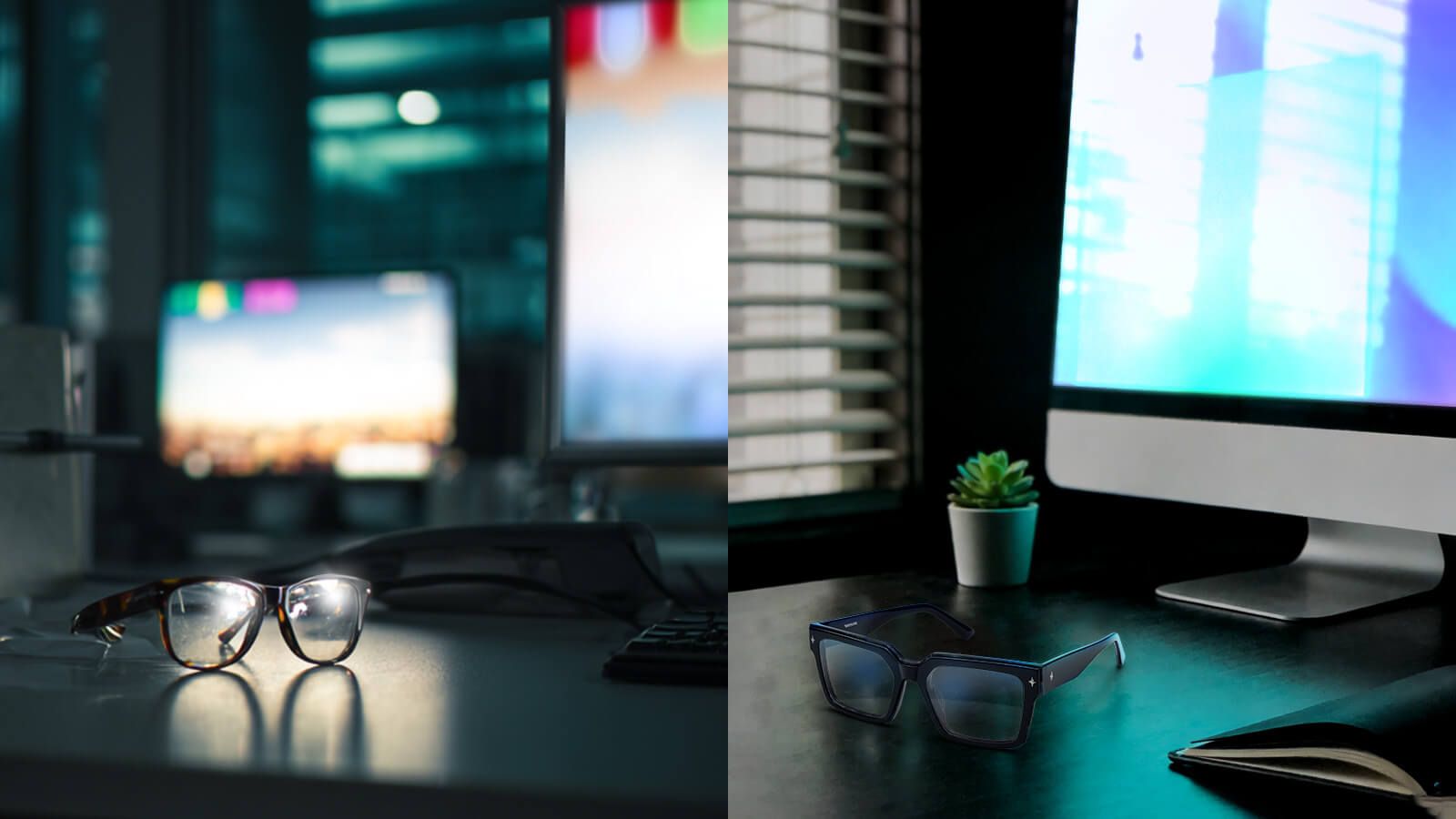
3 Hidden Traps to Avoid When Buying Computer Glasses
Trap 1: “Too Yellow” Lenses That Distort Color
Many inexpensive blue light glasses have a noticeable yellow or amber tint. Although stronger tints may filter more short-wavelength light, they can also change how white backgrounds, charts, skin tones, and brand colors appear.
That can become a real problem for designers, editors, copywriters, analysts, and anyone who needs to review visual details accurately. A white layout should still look white—not pale yellow.
For regular office use, prioritize high light transmission and low color distortion. Clear or lightly tinted lenses are easier to use when switching between your monitor, printed documents, and face-to-face conversations.
Do not assume that a darker or yellower lens is automatically better. Compare the stated filtering range, light transmission, and color-performance data before buying.
Trap 2: Ignoring Frame Weight for 8+ Hours of Wear
Lens function gets most of the attention, but frame comfort determines whether you will still be wearing your glasses at 5 p.m.
A heavy or front-loaded frame can press against the bridge and leave deep marks. Tight temples may create pressure around the sides of the head, while thick lenses can add extra weight to an already oversized design.
The best eye protection glasses for computer users should distribute weight evenly across the nose and ears. Slim acetate, stainless steel, balanced temples, and properly sized lenses can all make long working sessions more comfortable.
Weight is not the only factor. Bridge design and frame balance matter just as much, so use your most comfortable glasses as a sizing reference.
Trap 3: Choosing a One-Size-Fits-All Frame
A frame that is too wide may slide every time you look down at your keyboard. One that is too narrow can squeeze your temples and become painful by the afternoon.
Instead of relying only on labels such as small, medium, or large, check the actual frame measurements. The three numbers printed inside the temple—such as 52□18-140—usually represent lens width, bridge width, and temple length in millimeters.
A suitable frame should remain level without resting heavily on your cheeks. The temples should reach behind your ears without visibly bending outward.
Virtual try-on can help you compare shapes, but it cannot measure physical pressure. Always check the dimensions and return policy before ordering.
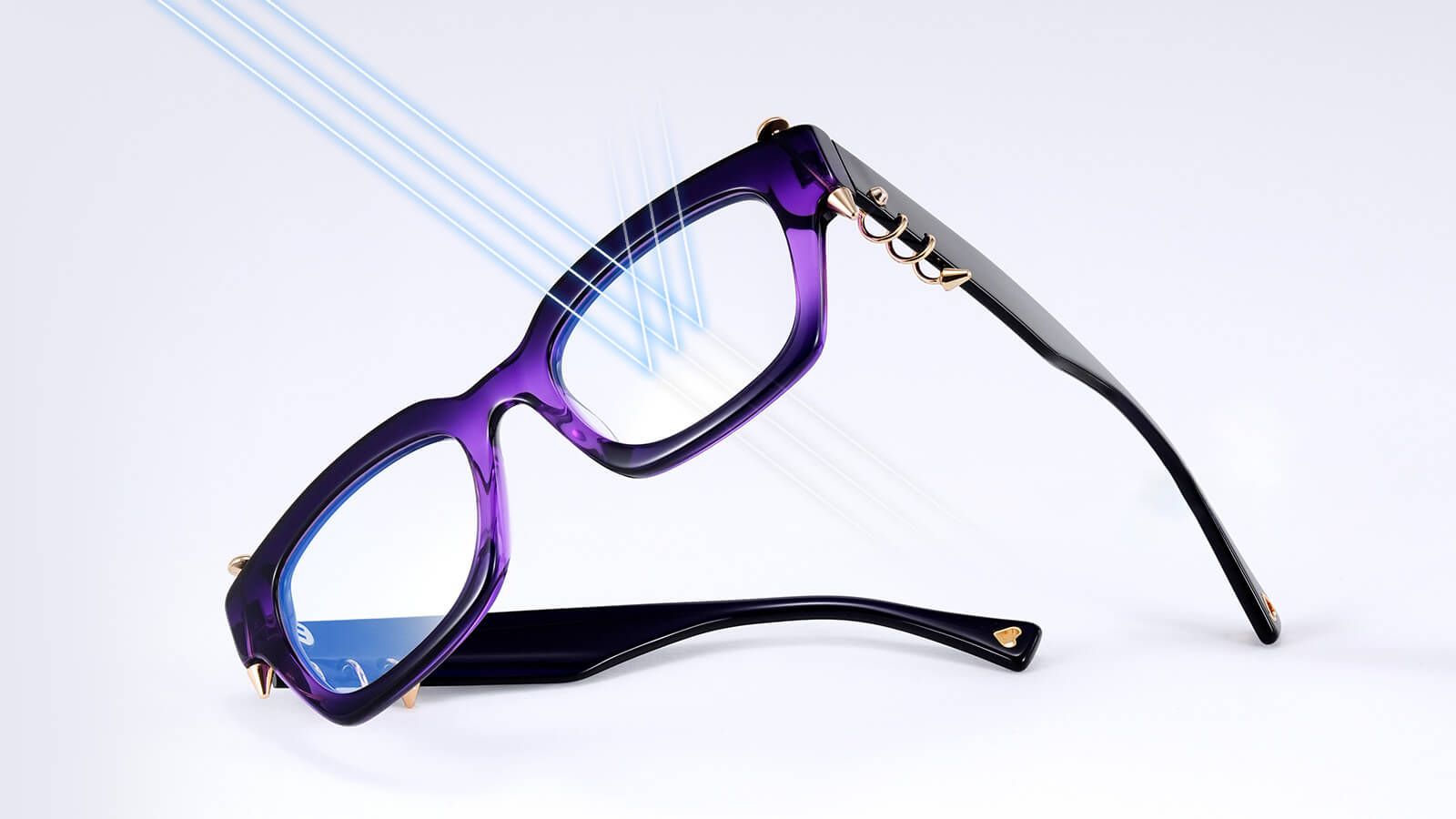
How to Choose the Perfect Lenses and Frames for Your Screen Time
Step 1: Select the Right Lens Function for Your Work Needs
Not every computer user needs the same lens. Your choice should reflect your prescription, daily tasks, screen distance, office lighting, and need for accurate color.
Standard blue light lenses: These are a practical choice for emails, Word documents, spreadsheets, research, and online meetings. They filter selected blue-violet wavelengths and provide a simple layer of screen-focused comfort for everyday office work.
Clear or low-distortion lenses with AR coating: These are better suited to designers, editors, photographers, and other color-sensitive users. Look for a high-transmission lens with a subtle base color and double-sided anti-reflective coating. AR treatment reduces reflections on the front and back of the lens, making the view feel clearer under monitors and overhead lighting.
If a lens is promoted as filtering the 415–455 nm range while maintaining 99% color accuracy, check that these figures are supported by the product’s technical data. They should be verified specifications rather than assumed features of every clear lens.
Prescription blue light lenses: You do not need to choose between seeing clearly and adding a blue light filter. Myopia, hyperopia, astigmatism, reading, or progressive prescriptions can be combined with compatible filtering and coating options on eligible Vooglam frames.
Keep your expectations realistic. A 2023 Cochrane review found that blue-light filtering lenses may offer little or no short-term improvement in computer-related eye strain compared with standard lenses. Stronger filtering may also require a more visible amber tint that affects color perception. Read the Cochrane review.
Glasses should therefore be one part of a broader setup. Regular breaks, frequent blinking, suitable lighting, an accurate prescription, and a comfortable viewing distance also matter. The American Academy of Ophthalmology’s digital-device guidance offers more advice on managing screen-related discomfort.
Step 2: Face Shape Optimization for Your Next Zoom Call
Fit comes first, but frame shape can also help create a more balanced look during video meetings.
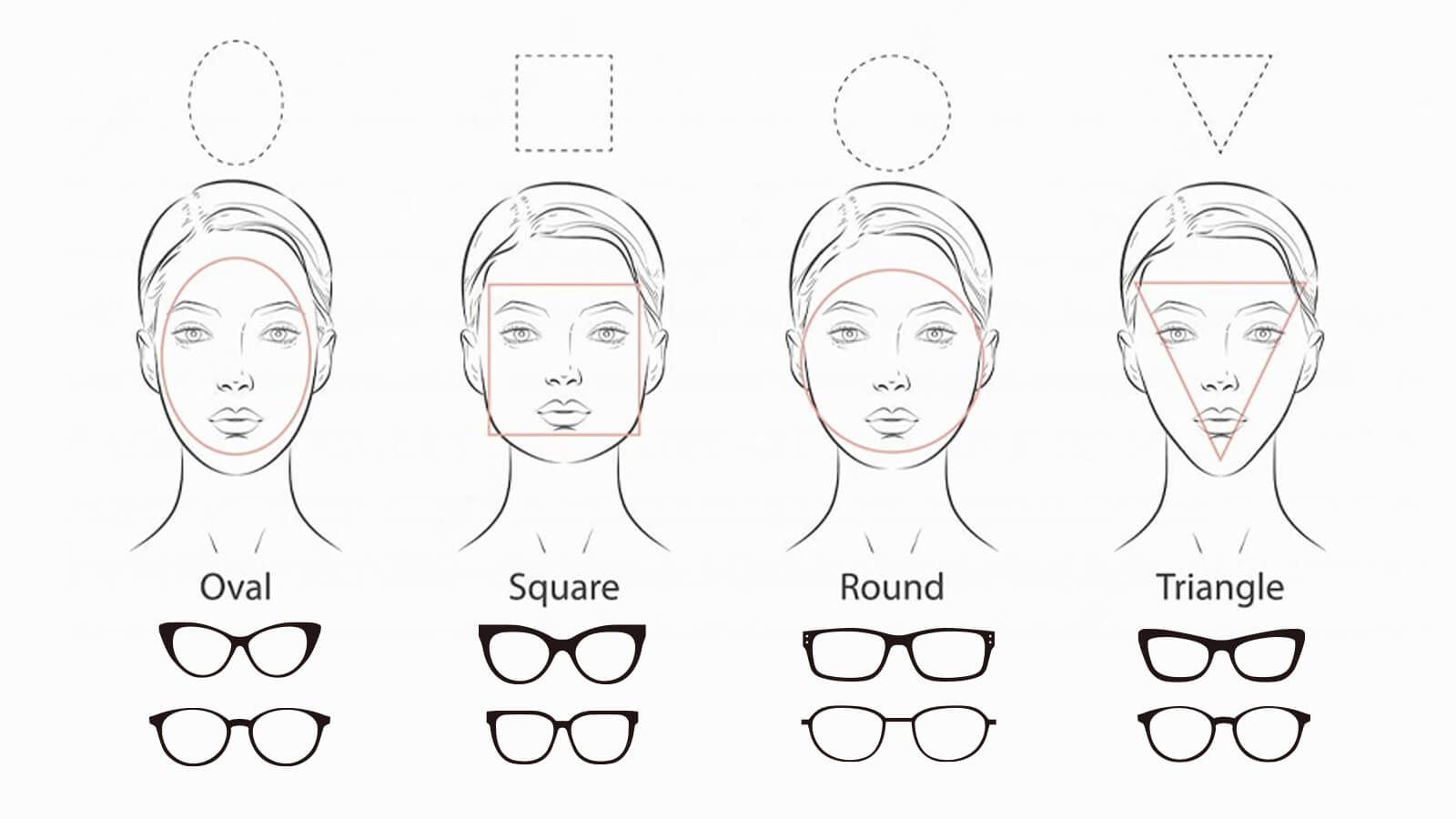
Round and oval faces: Angular geometric, square, or rectangular frames can add definition. Oval faces can usually explore a wider range of shapes.
Square and rectangular faces: Round and oval frames can soften a defined jawline. A gently lifted cat-eye can also direct attention toward the eyes.
Heart and diamond faces: Aviators, clear frames, and designs with more visual width near the lower rim can balance a narrower chin.
These are starting points, not fixed rules. Raise your camera to eye level before judging a frame, since a low laptop camera can distort facial proportions more than the glasses themselves.
The Ultimate Shortcut to Your Perfect Match
Still unsure whether your face is round, oval, square, heart-shaped, or somewhere in between? Read Vooglam’s How to Choose Glasses for Your Face Shape: The Ultimate Guide.
Use the guide to narrow down your preferred shapes. Then compare measurements and use virtual try-on to see how each design works with your features.
A flattering frame still needs to stay in place. If it slides, pinches, or interrupts your field of view, it is not the right match for a full working day.
Material Selection: Acetate vs. Stainless Steel
Acetate offers rich colors, layered patterns, and translucent finishes. It is a good choice if you want to break away from the cold, technical look often associated with computer glasses. However, thick or oversized acetate frames may feel heavier, so check the dimensions carefully.
Stainless steel allows for slimmer rims and temples. A well-balanced stainless-steel frame can feel less noticeable during eight hours of wear while still creating a clean, modern look.
Neither material is automatically more comfortable. The best choice depends on weight distribution, bridge fit, temple pressure, and lens thickness.
If you have a stronger prescription, consider a smaller lens shape or high-index lenses. These options can reduce edge thickness and help create a lighter, better-balanced pair.
Beyond Protection: Elevating Your Workplace Aesthetic
Computer glasses do not have to mean a stiff black rectangular frame. Once lens clarity, prescription, fit, and comfort are covered, the design can become part of your workplace identity.
For a timeless and classic setting, explore controlled rectangles, slim ovals, or neutral clear frames. They move easily from reports and client calls to in-person meetings.
For a bolder and more experimental workplace, consider geometric silhouettes, visible structural details, unexpected temple designs, or sharper cat-eye shapes. These styles add character without giving up the lens functions you need.
Vooglam offers blue light glasses across classic and expressive design directions, with both non-prescription and customized prescription options. The goal is not simply to buy protective lenses. It is to find a pair that feels natural in your work routine and still looks like you.
Protect Your Eyes and Your Productivity
Computer users often invest in ergonomic chairs and high-resolution monitors while overlooking the eyes doing the work. The best eye protection glasses for computer users should provide clear vision, manageable reflections, stable fit, and enough comfort for a full working day.
Before ordering, check the lens tint, AR coating, prescription compatibility, frame dimensions, material, and return policy. Then support your glasses with regular breaks, frequent blinking, suitable lighting, and a comfortable screen position.
Ready to upgrade your screen setup? Explore Vooglam’s blue light glasses and customize a pair around your vision, work, and personal style.
FAQ
Can I add my custom reading or myopia prescription to these frames?
Yes. Many Vooglam frames can be customized with reading or myopia prescriptions. Depending on the frame and prescription, astigmatism and progressive lens options may also be available.
Is it worth buying computer glasses if I don’t have a prescription?
Absolutely. Blue light filtering and anti-reflective lenses are not designed only to correct vision. They manage selected wavelengths and distracting lens reflections, so non-prescription users can still choose them for a more comfortable screen experience.
What kind of lenses can block blue light without distorting screen colors?
Choose professional clear or low-distortion blue light lenses made with high-transmission material and paired with a double-sided anti-reflective coating. For color-sensitive work, check the stated light-transmission, filtering-range, and color-accuracy data instead of relying only on a “clear lens” label.